Chat
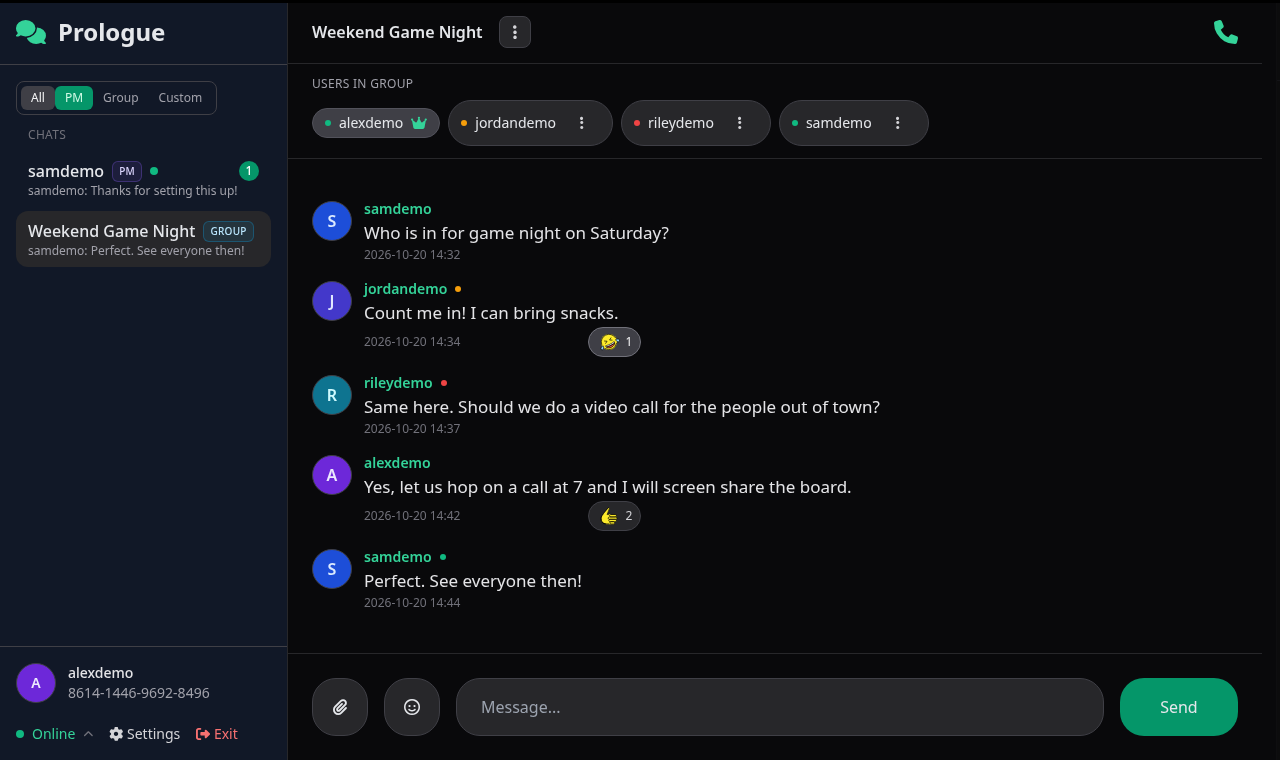
Real time messaging with group chats, direct messages, mentions, quotes, reactions, and attachments.
Chapter One
Chat, voice, video, and screen share. Always free and privacy first, on the host of your choice.
Chapter Two
Real time messaging with group chats, direct messages, mentions, quotes, reactions, and attachments.
Whether it's one friend or your whole group, Prologue offers high quality, low latency calling using WebRTC.
Choose from multiple streaming qualities, up to your native resolution at 60FPS, using your browser's native picker.
Create a poll in your group chat. Choose when it expires or close it at any time.
Share thoughts and comments with your community using a simple X-ish posts system.
Email codes by default, with optional TOTP authenticator apps and recovery keys.
Get notified in your browser once push is configured on your server.
Bot keys that can post to selected group chats, and user keys for full integrations.
Oodles of other neat features, like attachment deduplication. Download it, host it, and explore it.
Chapter Three
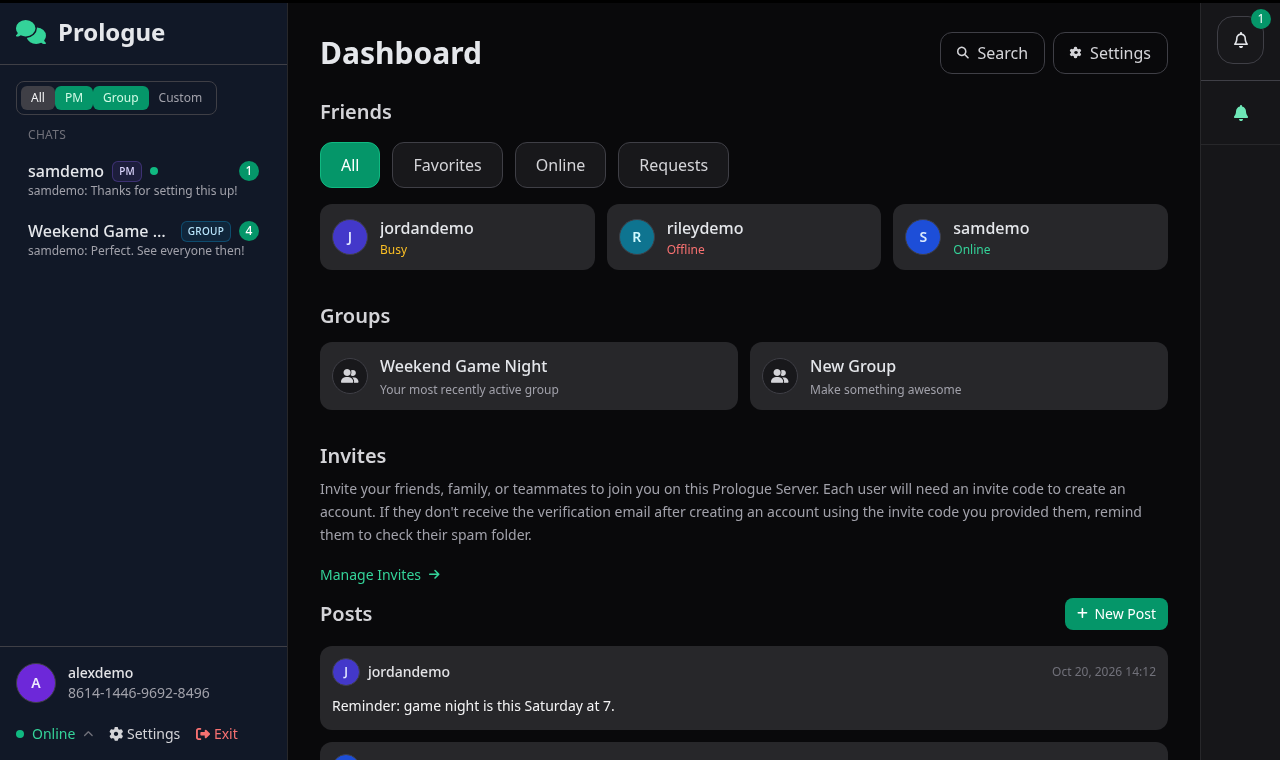
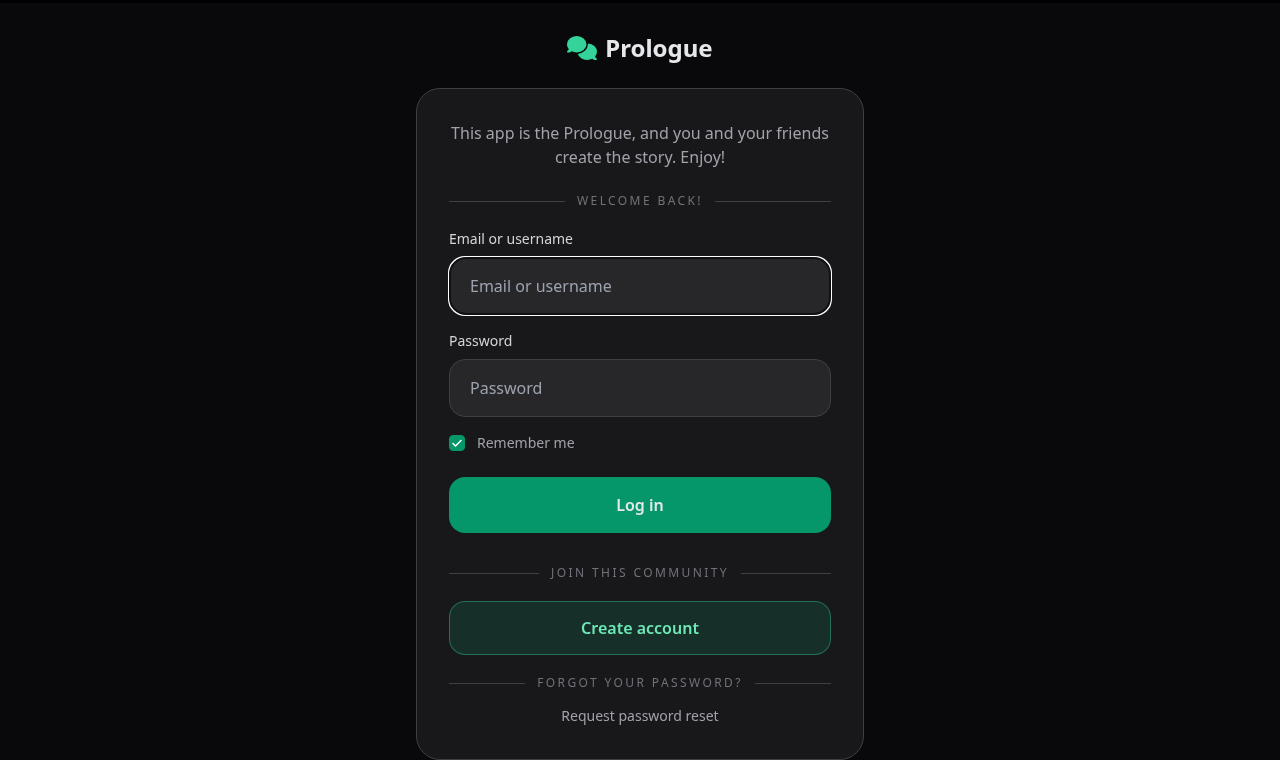
Captured from a fresh Prologue 1.0.1 install with made-up sample users and messages.
Chapter Four
No subscriptions, no paywalls, no ads.
Prologue is self hosted. You deploy on your own web host, web server, or using Docker, and always keep full control of your data.
Once Prologue is set up, you and your users can get right into it using any modern browser. No extra client software to download.
Chapter Five
.htaccesspublic_html to your web root, and the storage folder outside it.example.config.php to config.php and fill in your details./install to create your admin account.Great for running alongside other services, in a homelab, or for testing. Download the latest release and run:
docker compose up -dChapter Six
Prologue works with almost any standard shared hosting account or VPS. Choosing one of these hosts directly supports the project.
Some links are affiliate links. Choosing one supports the project at no extra cost to you.
Epilogue
Prologue is free software under the GNU General Public License v3.0. Questions, ideas, or just want to say hi? Join the conversation on GitHub.